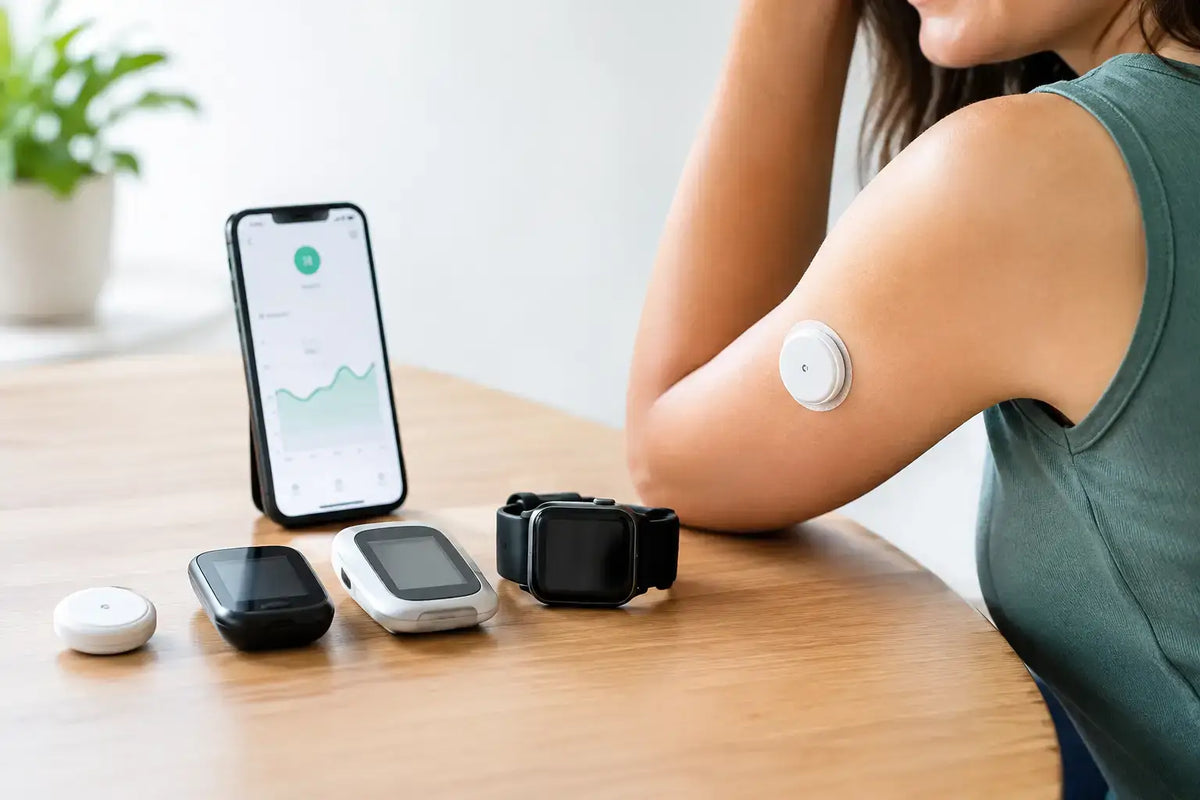
A low-glucose alert at 2 a.m. is not the time to wonder whether a sensor will connect to a phone, sound loudly enough, or require a fingerstick check. A useful continuous glucose monitor comparison starts with daily life: how the person wears the device, who helps manage it, what their clinician recommends, and which features make glucose information easier to act on.
Continuous glucose monitors, often called CGMs, measure glucose in the fluid just beneath the skin and send frequent readings to a phone, receiver, or both. They can help people spot patterns that a single blood glucose test may miss, including overnight lows and after-meal rises. The best system is rarely the one with the longest feature list. It is the one that fits the user’s treatment plan, comfort level, budget, and routine.
Continuous Glucose Monitor Comparison: Start With Eligibility
Before comparing sensor size, app screens, or wear time, confirm which systems are appropriate for the user. Many CGMs are prescription devices intended for people managing diabetes, especially those using insulin. Some over-the-counter glucose monitors are marketed to adults who do not use insulin and want to understand glucose patterns. These products do not replace diabetes diagnosis, treatment, or medical advice.
For someone with type 1 diabetes, frequent hypoglycemia, or insulin-dependent type 2 diabetes, a clinician may recommend a prescription CGM with urgent low alerts, data sharing, and compatibility with insulin delivery technology. A person not taking insulin may have different priorities, such as a lower upfront cost, simple app use, and insight into food or activity patterns.
Coverage also changes the decision. Medicare, Medicaid, and private insurance plans may have different eligibility rules, preferred brands, pharmacy requirements, and copays. Check the current plan details before choosing a system based on advertised price. If coverage changes, ask the prescribing clinician or pharmacy team about alternatives rather than stopping glucose monitoring unexpectedly.
What to Compare Between CGM Systems
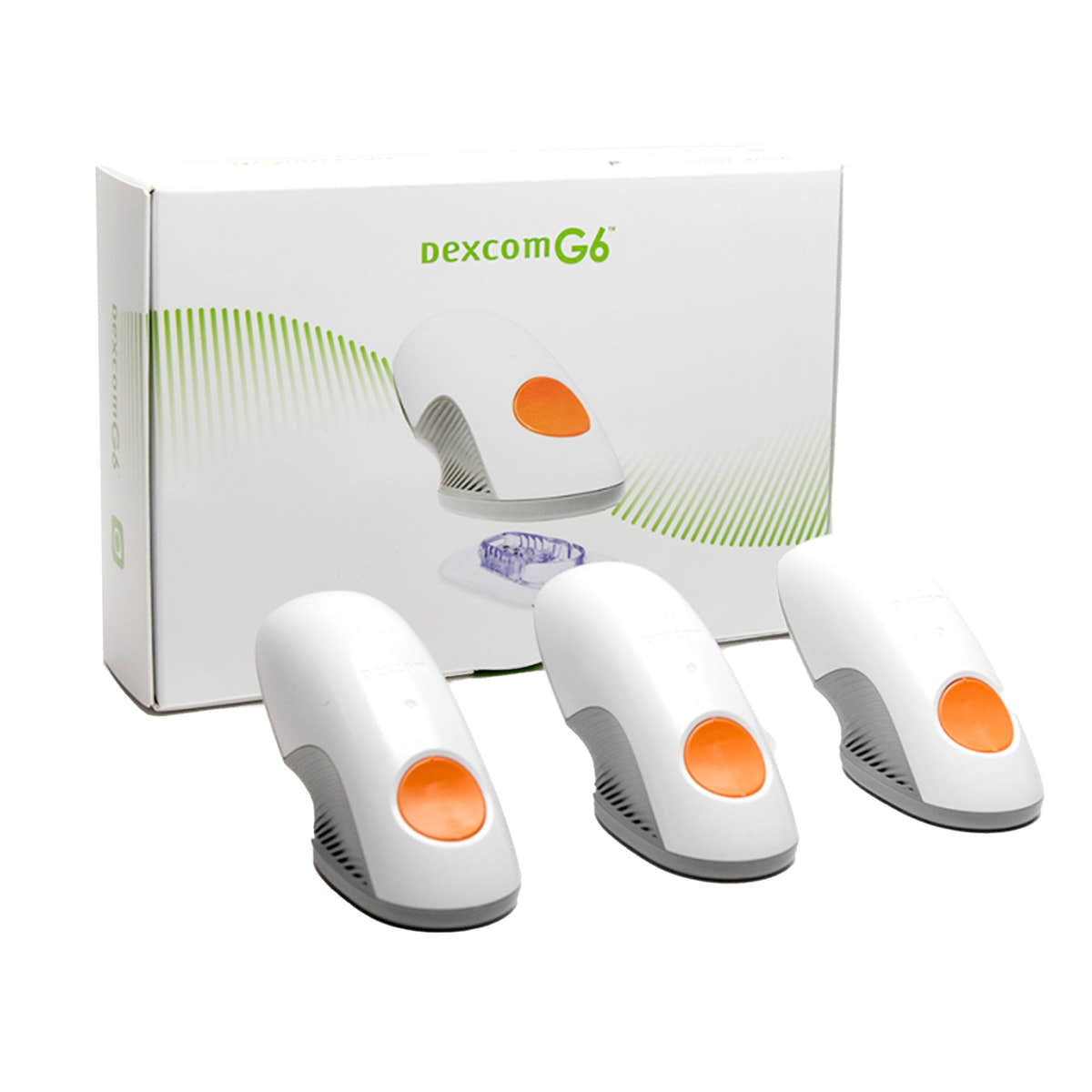
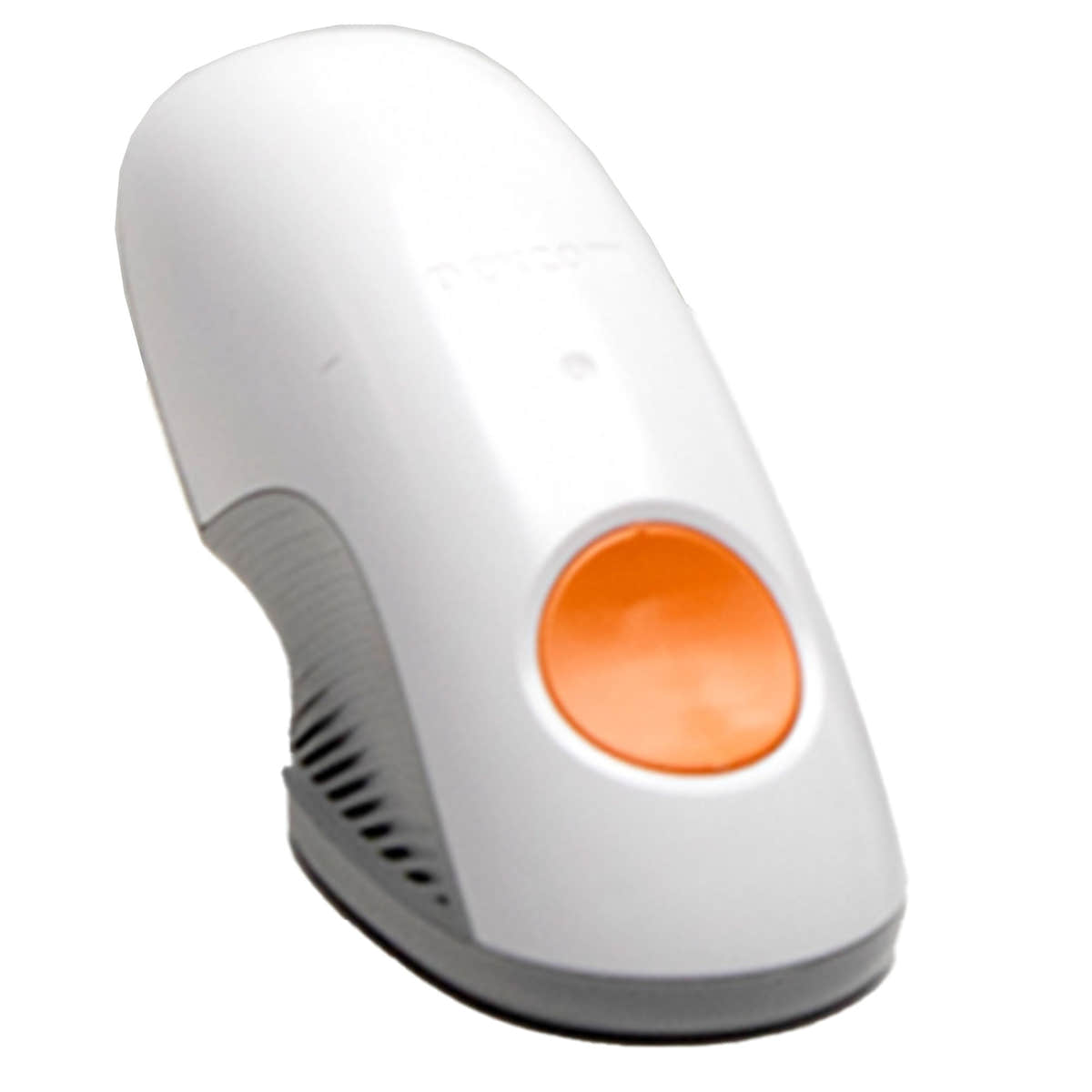
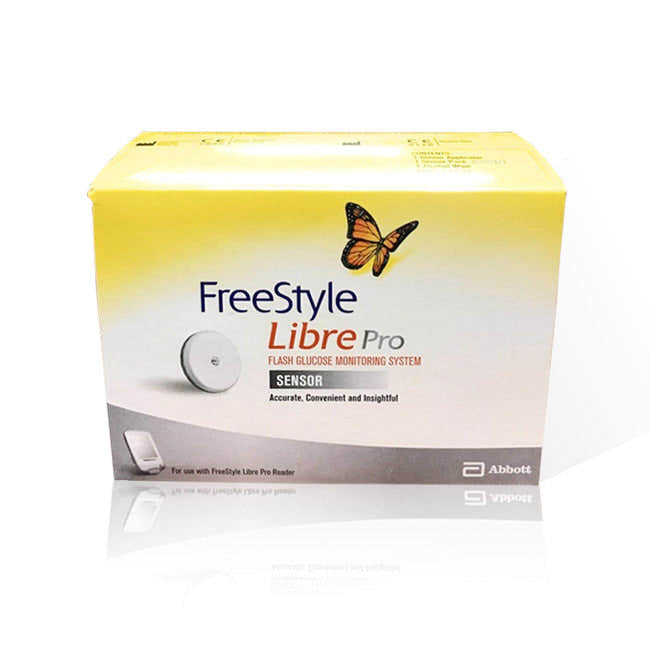
A CGM is not just a sensor. It is a complete setup that may include an applicator, transmitter, reader, mobile app, adhesive support, and optional sharing tools. Looking at the entire experience helps prevent frustrating surprises after the first box arrives.
Accuracy and confirmation guidance
CGMs estimate glucose from interstitial fluid, not directly from blood. Because glucose moves from the bloodstream into this fluid with a short delay, readings can differ from a fingerstick meter during rapid changes. This can happen after meals, exercise, or treatment for a low.
Every system includes instructions for when to use a blood glucose meter to confirm a reading. Common situations include symptoms that do not match the CGM result, a suspected sensor problem, or a reading that seems unexpected. Do not make urgent treatment decisions from a result that conflicts with how the person feels without following the device instructions and care plan.
Accuracy data can be helpful, but it should not be the only deciding factor. A highly rated sensor that is difficult to apply or frequently falls off may be less useful than a system a person can wear consistently.
Alerts, alarms, and data sharing
Alerts are often the feature that matters most for insulin users and caregivers. Compare whether the system provides low, urgent low, high, rising, falling, and signal-loss alerts. Also consider how customizable those alerts are. A person who sleeps through quiet notifications may need stronger sound and vibration options, while someone bothered by frequent alerts may need help setting meaningful thresholds with their clinician.
Data sharing is valuable for parents of children with diabetes, adult children supporting an older parent, and partners who help respond to lows. Some systems let selected followers see readings and trends remotely. The practical questions are simple: Does the caregiver need a compatible smartphone? Will alerts still work if the user is away from home? Is the user comfortable sharing this information?
A dedicated receiver can also be important. Not everyone wants to rely on a smartphone, and some people have limited vision, limited phone storage, or difficulty using apps. Check whether a receiver is included, sold separately, or covered by insurance.
Wear time, warm-up, and replacement routine
Sensor wear time varies by product. A shorter wear time means more frequent changes but may be manageable for someone who already follows a regular supply routine. Longer wear can mean fewer insertions, though the sensor still needs to stay attached through showers, exercise, clothing changes, and sleep.
Also compare warm-up time. During warm-up, the sensor is settling in and may not provide readings. For people who depend on CGM data throughout the day, a shorter warm-up can be more convenient when replacing a sensor.
Some implantable options are placed by a trained health care professional and remain in place much longer than skin-worn sensors. That can reduce at-home sensor changes, but it adds office visits and may not be available or covered everywhere. Convenience depends on the person’s access to care and preference for insertion at home versus in a clinical setting.
Phone compatibility and app usability
A CGM app should be easy to read when someone is tired, worried, or managing several medications. Confirm that the user’s specific phone model and operating system are supported. A new phone update can affect compatibility, so it is wise to keep a backup plan, such as a receiver or blood glucose meter, when appropriate.
Look beyond the current reading. Trend arrows, daily graphs, time-in-range reports, notes for meals or activity, and downloadable reports can help users and clinicians identify patterns. But more data is not always better. For an older adult or a new CGM user, a clear number and a simple alert may be more useful than a crowded dashboard.
Placement, comfort, and adhesive needs
Most wearable CGM sensors are approved for specific body locations. Use only the locations described in the product instructions, and rotate sites to protect the skin. Placement can affect comfort under clothing, during sleep, and while using mobility equipment or a seat belt.
Adhesive sensitivity deserves attention. Sweating, swimming, humid weather, dry skin, and lotions can all affect adhesion. People with sensitive skin may need clinician-approved barrier methods or overpatches designed for their device. It is also helpful to keep replacement supplies organized before a sensor change is due, especially for caregivers managing supplies for another person.
Comparing Common CGM Use Cases
The right choice changes based on how glucose data will be used. For a person taking multiple daily insulin doses, alert reliability, remote sharing, and insulin pump compatibility may take priority over cost alone. A caregiver may favor a system with a simple receiver and easy-to-view shared readings.
For someone newly diagnosed with type 2 diabetes who is not using insulin, a CGM may be useful for learning how meals, sleep, stress, and activity affect glucose. In this case, an easy app and reasonable ongoing sensor cost may matter more than advanced alarms. The user should still discuss results with a health care professional, particularly before making major diet or medication changes.
For an active adult, sensor security and placement can be deciding factors. For someone with arthritis, reduced hand strength, or vision changes, the applicator design, packaging, and ability to get help from a family member matter just as much. A comparison that ignores these everyday details is incomplete.
Cost Is More Than the Sensor Price
Ask about the recurring cost of sensors, transmitters if required, readers, overpatches, and backup blood glucose testing supplies. A CGM can reduce the need for routine fingersticks for many users, but a meter and test strips may still be needed for confirmation or device issues.
If shopping for diabetes supplies online, check package quantities, replacement schedules, and whether items are sold individually or by the box. Ordering before the current sensor supply runs low can help avoid gaps. CartHealth can also help simplify ongoing home health purchasing by bringing diabetes care items and other everyday care needs into one convenient order.
Questions to Ask Before Choosing a CGM
Bring practical questions to the prescribing clinician, diabetes educator, pharmacist, or device support team. Ask whether the system is suitable for the person’s medications, whether it works with an insulin pump if one is used, and what the plan should be if a sensor fails. Confirm how to get training, who can view the data, and which supplies should remain on hand.
A continuous glucose monitor should make day-to-day diabetes care more manageable, not add another confusing task. Choose the system that supports safe decisions, fits the person’s real routine, and can be supplied consistently at home.